Verify your email
Confirm your email address to activate your account and unlock sign-in links.
When you sign up with email, we send a verification link to make sure the address is really yours. Verifying takes one tap.
Check your inbox
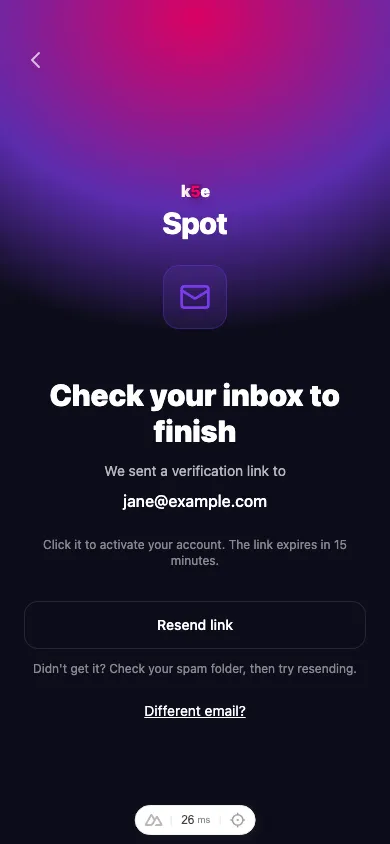
After you create your account, k5e Spot shows a confirmation screen and sends an email to the address you entered.
Tap the link
Open the email from k5e and tap the verification link. It opens k5e Spot, activates your account, and signs you in. You’re ready to join an event.
If the link doesn’t arrive
- Check your spam or junk folder. Verification emails sometimes land there.
- Resend it. Tap Resend link on the confirmation screen to send a fresh email.
- Wrong address? Tap Different email? to go back and re-enter it.
Verification links expire after a short while for your security. If yours has run out, request a new one and use the most recent email.