Add a song
Search the host's catalog or type your own request to get into the queue.
Once you’ve joined an event, requesting a song takes a few seconds.
Search the catalog
Tap the search bar on the event home and start typing a song title or artist. Results from the host’s catalog appear as you type.
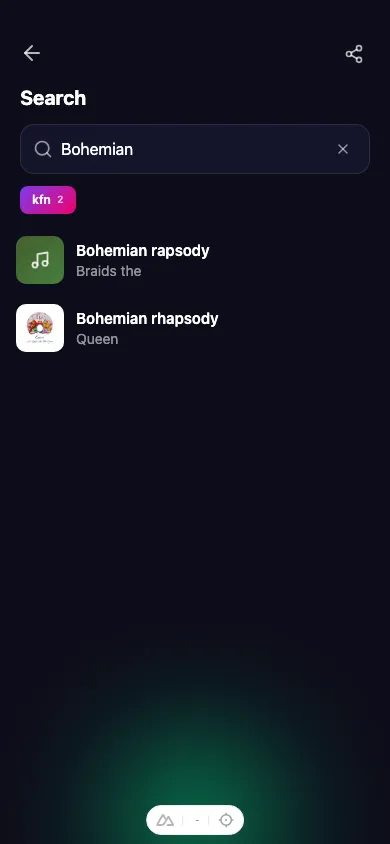
Tap a result to open its details, then tap Add to queue. You can add a short note for the host — for example “duet with Sam” — before you confirm.
Can’t find it? Type it in
If the song isn’t in the catalog, switch to free-form entry and type the title and artist yourself. This lets you request anything, even if it’s not in the host’s library. Add it to the queue the same way.
How many can I add?
You can have a few requests waiting at once. When you reach the limit, wait for one of your songs to play, then add another. Your pending songs appear under the Yours tab in the queue.