Sign in
Get back into your account with a one-tap link, your password, or Google.
Already have an account? You can sign back in three ways — pick whichever is easiest on the night.
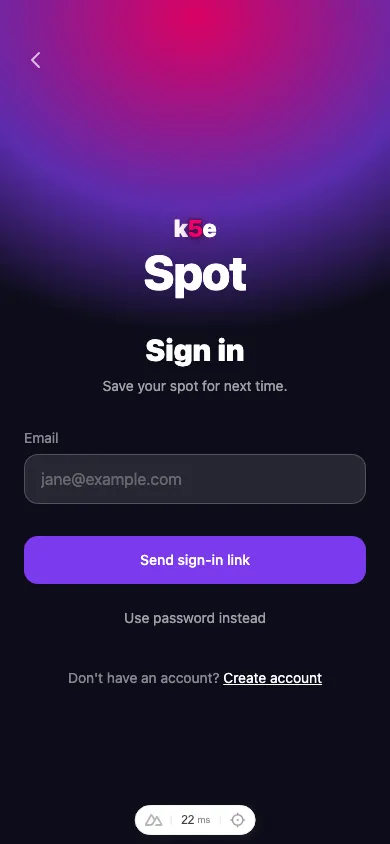
Sign in with a link (no password needed)
- Enter your email address.
- Tap Send sign-in link.
- Open the email we send and tap the link — it signs you in on this device.
This is the fastest option and the one we recommend if you haven’t set a password.
Sign in with a password
If you’ve set a password, tap Use password instead, enter your email and password, and tap Sign in. Forgot it? Tap Forgot password? to reset it by email.
Sign in with Google
Tap Continue with Google and choose your account. If you signed up with Google, this is the only step.